Edit Tools
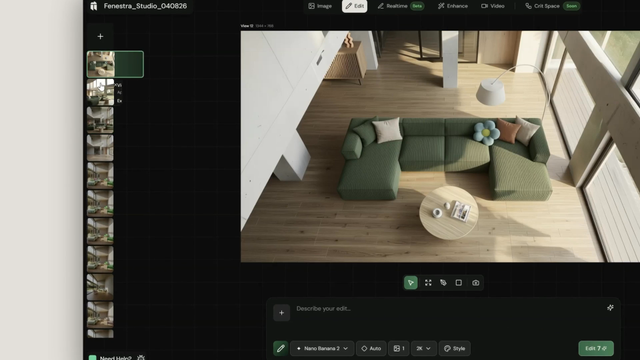
Precision Edit tools in Fenestra — expand canvases, replace objects, inpaint masked regions, and refine AI renders for architecture, interiors, and virtual staging.
Expand
Change the aspect ratio of any image, extend a 1:1 square to 16:9, 3:2, 4:3 and more. Fenestra fills the new canvas area using the context of your existing image, extending the scene naturally beyond the original edges.
Edit area
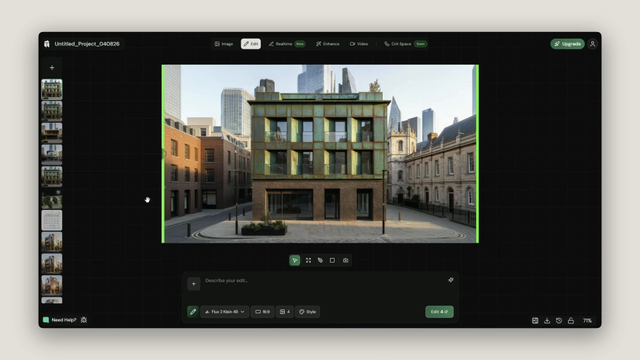
Mark up a specific region of your image using the pen tool and edit it with a prompt. Fenestra uses the context of the underlying image to make targeted changes, ideal for adjusting materials, tweaking specific elements or refining a section of a generation without affecting the rest.
Replace area
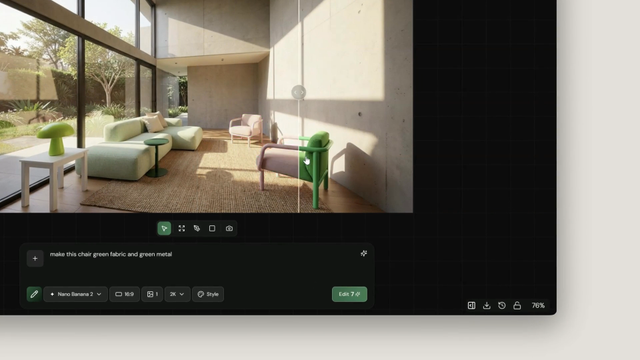
Select a region and replace it entirely. Unlike Edit area, Replace area has no context of the underlying image, it intentionally overwrites the selected region based on your prompt. Use this when you want to swap something out completely rather than refine it.
Camera control
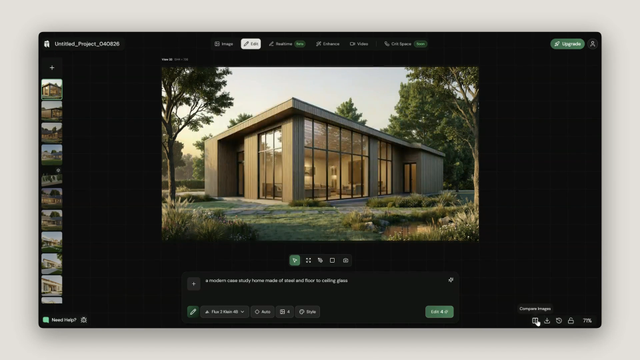
Generate new angles from a single input image. Use the orbit widget to rotate the camera in any direction, horizontally, vertically or by adjusting zoom, and generate a new view without needing a 3D model. A powerful way to create multiple camera angles from one image.