Virtual Staging with Conversational Edits
A fast, flexible way to experiment with space using natural language - no layers, no 3D.

Shaun McCallum
July 14, 2025When GPT-Image-1 was released, everyone suddenly realised that editing images with text was incredibly powerful.
But before that, you could already do this with Gemini in Fenestra. It felt like magic - fast, intuitive, and surprisingly capable however, the resolution wasn’t always great.
GPT-image-1 improved the output quality, but brought the signature orange hue and the usual issue: it’s closed source. So you can’t build on top of it, and from a privacy perspective, you’re in the dark. No idea where the images go or how they’re being used.
Conversational Edits with Flux
With Flux in Fenestra, we’ve enabled higher fidelity conversational editing that actually feels easy to use. You can add or subtract elements naturally just by asking. No need to perfectly describe materials, lighting, or exact positioning.
Flux Kontext makes it easier to just say what you mean and get useful, high-quality results.
But, keep your prompts simple.
One step at a time:
- Add
- Subtract
- Edit
Lately I’ve been exploring Virtual Staging
Start with an empty room, then iterate. Add a rug. Change the painting. Swap the sofa. Strip everything back and try a different layout. It’s fast (5–10s generations), keeps your camera angle (most of the time) and lighting, and lets you build a scene one idea at a time.
- Add a rug
- Change the painting
- Swap the sofa
- Strip everything back
- Try a different layout
One Quirk Worth Noting
Unlike our Sketch to Render workflow, Flux sometimes shifts the camera view. But what’s interesting is how much it tries to understand the room before making changes.
It picks up things like windows, skirting boards, lighting - and while it occasionally rotates the view, it usually has a pretty solid grasp of the space it’s showing.
Refine as you go
Once you land on something you like, you can iterate fast and easily:
- “Add a rug under the bed”
- “Replace the art with X”
- “Make the rug yellow with blue polka dots”
- “Create a top-down view of the room”
And like with all AI tools - it’s iterative. It’s unlikely you’ll ever get what you want first time. Give it a bit of effort, and it’ll take you far.
You can do the same across a project: test materials, tweak facades, even rework exteriors like changing cladding. It’s also how I’ve been adding snow, changing environments so quickly.
Worth a test - it’ll take you 30 seconds!
You can read all of our blog posts here. New tutorials, guides, thoughts and updates each week.
Also, detailed documentation coming very soon!
Create High-Fidelity Visualizations in Seconds
Render Now!Related Articles
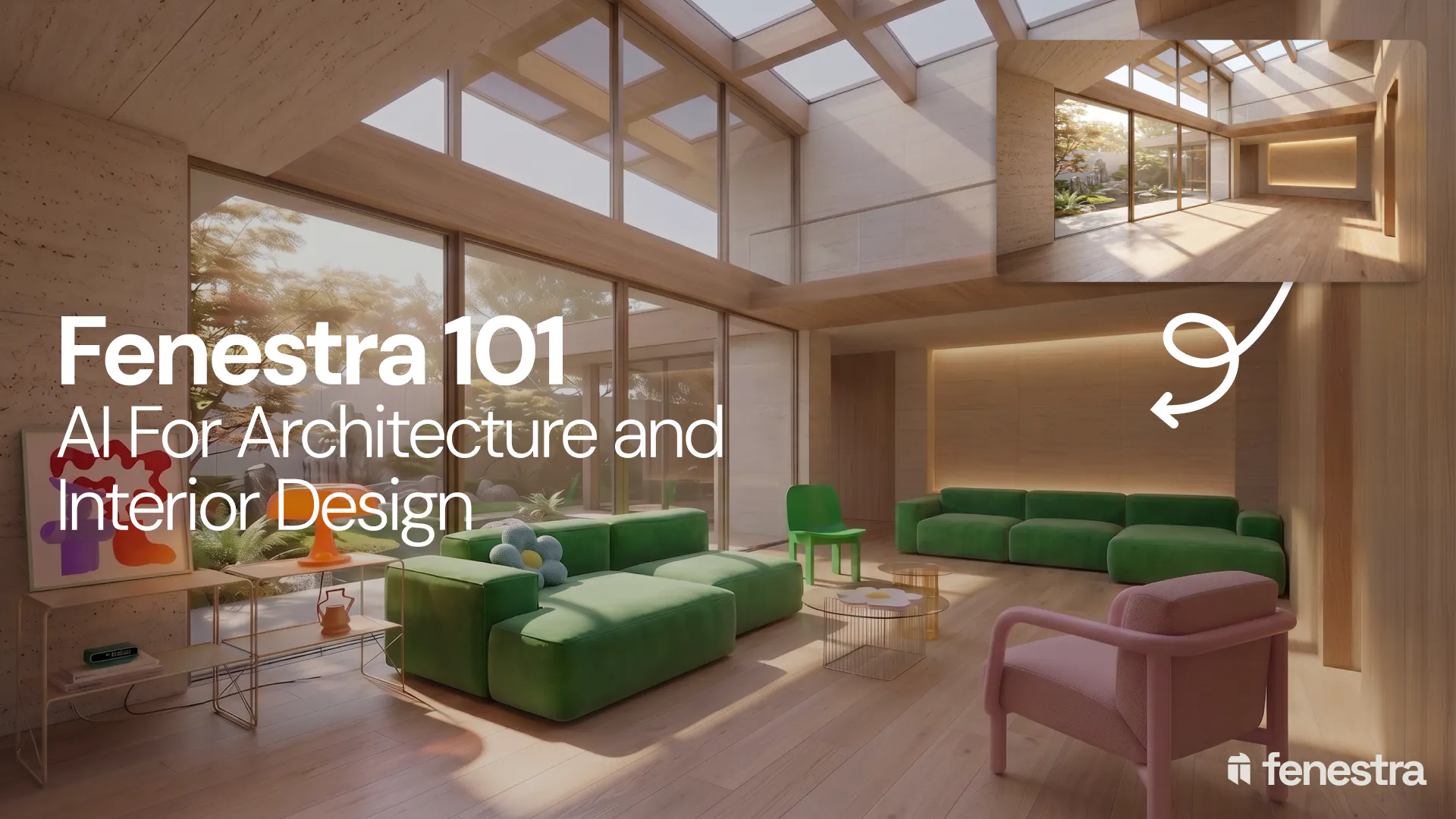
Fenestra 101: Sketch to Render, Virtual Staging and AI Editing for Architects & Interior Designers
In this introductory Fenestra webinar, we walk through the core tools architects and designers can use to turn early ideas into visual concepts. The session covers sketch to render workflows, virtual staging, adding furniture, editing images, removing elements and using AI to quickly explore design directions.

Fenestra 101: Our First Webinar
We're running our first ever live webinar on June 3rd. A hands-on intro to Fenestra for architects and interior designers, covering image generation from prompts, 2D and 3D inputs, video, and where AI actually fits in your practice. 30 seats only.
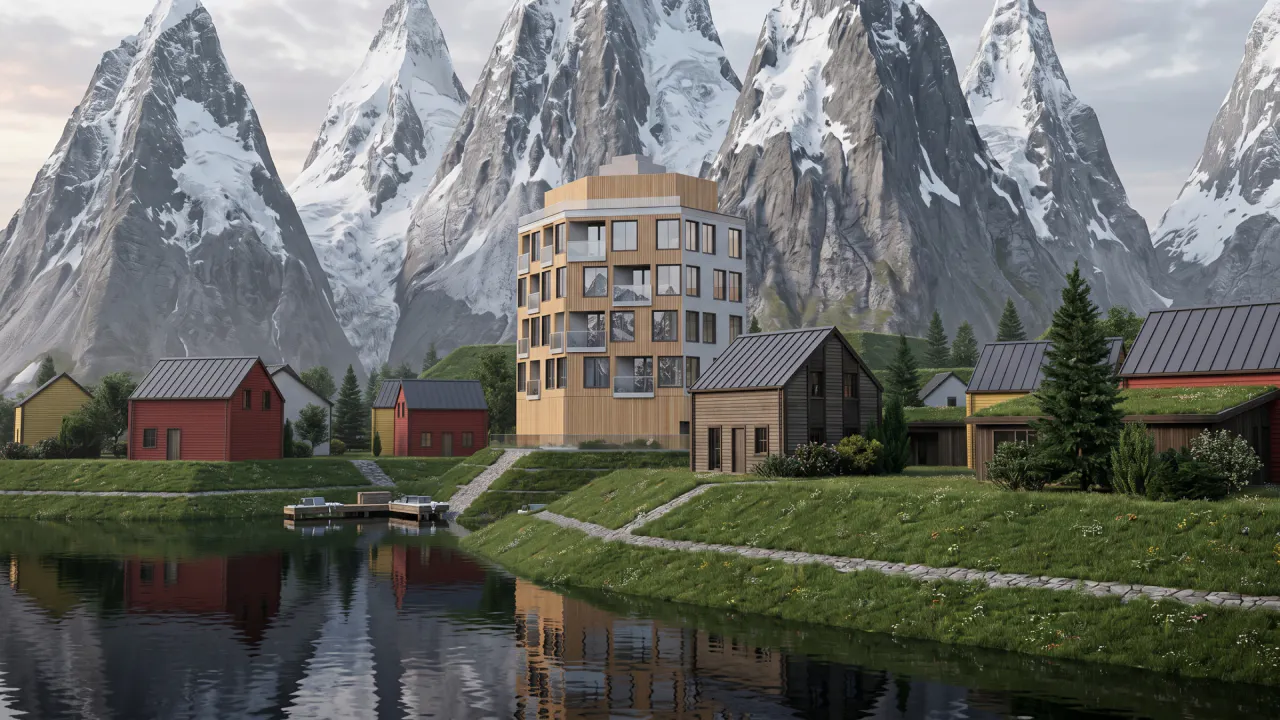
Is conversation the next 3D modelling tool? We tested AI modelling in Rhino
We tested AI 3D modelling in Rhino, driving geometry by conversation, then rendering in Fenestra. Where text-to-3D works, and where it doesn't yet.
