Fenestra 101: Sketch to Render, Virtual Staging and AI Editing for Architects & Interior Designers
A beginner-friendly walkthrough of the core Fenestra workflows, from rough sketches and empty rooms to edited, presentation-ready design visuals.
Shaun McCallum
June 9, 2026We recently hosted a Fenestra 101 webinar covering the basics of how architects, interior designers and creative studios can use Fenestra inside their design workflow.
The session was designed as a practical introduction rather than a deep technical walkthrough. We focused on the core things most users want to understand first: how to go from a sketch to a render, how to stage an empty room, how to add furniture or design details, and how to edit or remove parts of an image without starting again.
You can watch the full recording below, or read through the main workflows covered in the session.
What we covered in the webinar
The webinar walked through the core Fenestra workflows for turning early design inputs into visual concepts. This included using sketches, empty rooms and existing images as starting points, then developing them with AI rendering and editing tools.
The main workflows covered were:
- Sketch to render
- Virtual staging
- Adding furniture and interior details
- Editing existing images
- Removing or subtracting unwanted elements
- Refining results with simple prompts
The goal was to show how Fenestra can support the early stages of design, where speed, iteration and visual communication matter most.
If you are new to Fenestra, this webinar is a good place to start. It covers the core workflows and shows how you can use the platform for sketch to render, virtual staging, image editing and quick design exploration.
You can watch the full session above, or try the tools yourself inside Fenestra Studio.
Start Drawing.
Create Now.Related Articles
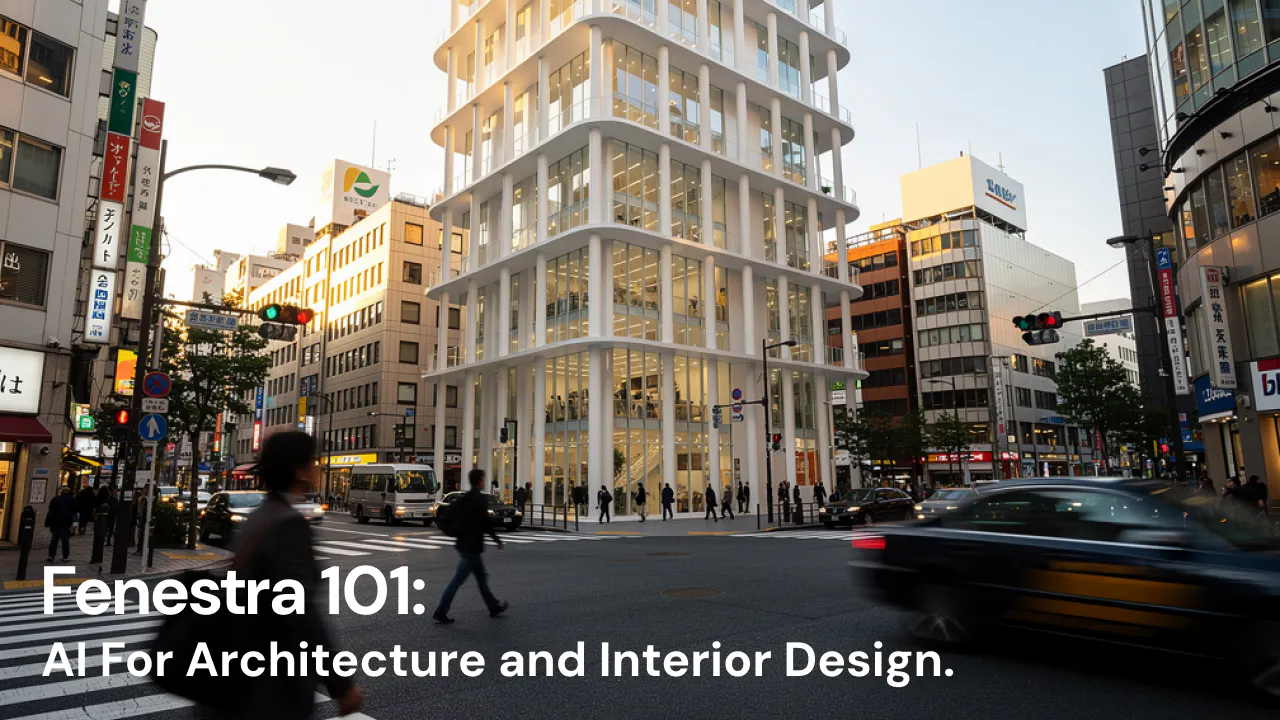
Fenestra 101: Our First Webinar
We're running our first ever live webinar on June 3rd. A hands-on intro to Fenestra for architects and interior designers, covering image generation from prompts, 2D and 3D inputs, video, and where AI actually fits in your practice. 30 seats only.
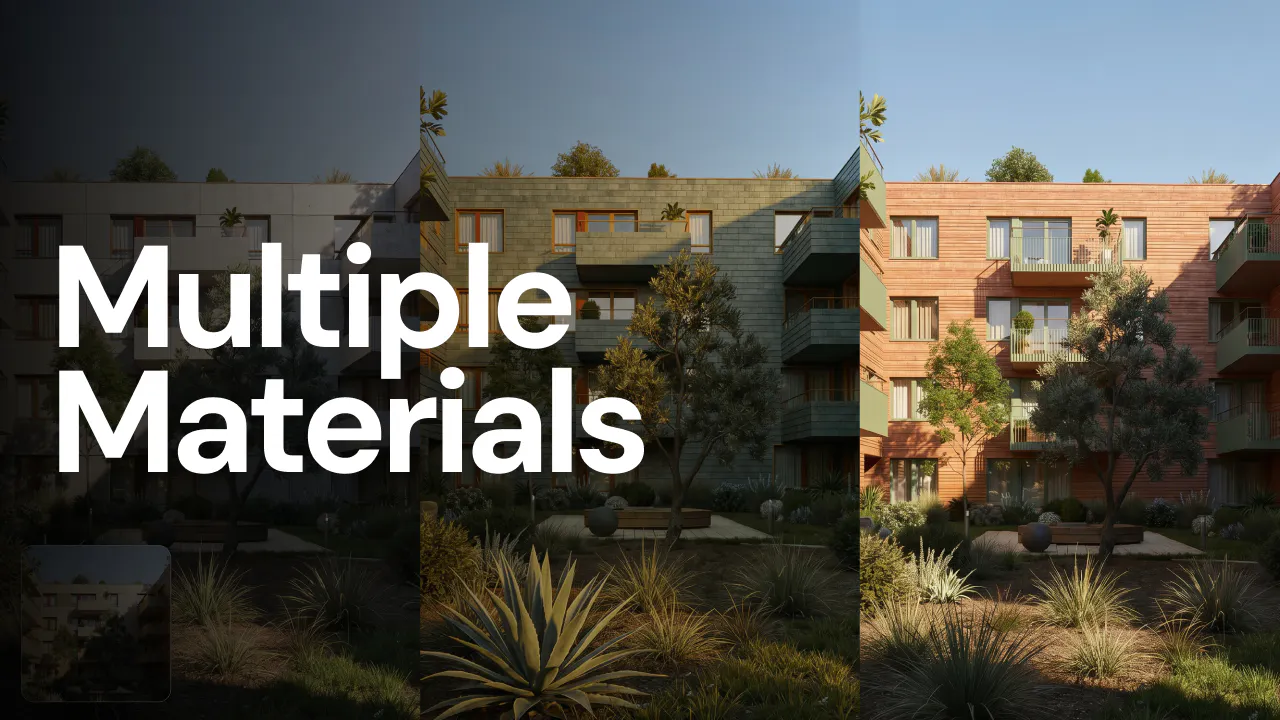
One image, three directions
Most studios don't need one perfect render. They need a decision. Here's the three-direction workflow that turns one image into three plausible futures, and a faster way to land design choices that win client meetings.
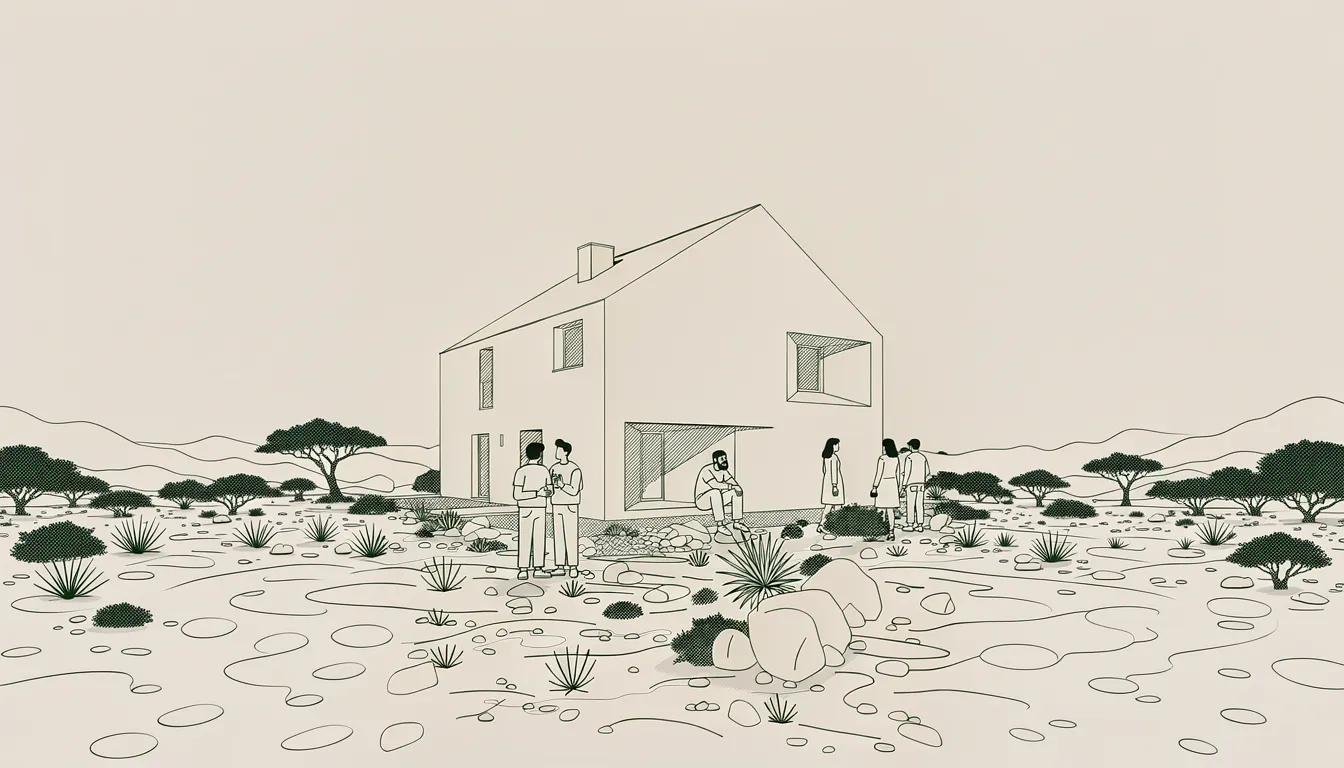
Stop making AI slop. Make something only you can.
Everyone can make a photoreal render now, so none of them stand out. Realism is the floor. Drawing has always been the real work, and that is what AI should amplify.
