Seedance 2.0 now in Fenestra
Fenestra now supports Seedance 2.0 and Seedance 2.0 Fast. Generate 720p architectural animations with automatic audio, better prompt adherence and smoother interior to exterior transitions.

Shaun McCallum
April 20, 2026We've just added support for Seedance 2.0 and Seedance 2.0 Fast in Fenestra's Video tool. If you've been using Fenestra to animate your architectural renders and interior design visuals, this is a huge upgrade!
720p video with serious fidelity
Seedance 2.0 generates cinematic 720p video with significantly better prompt adherence than previous models. Materials hold. Lighting holds. Camera movement does what you tell it to.
Whether you're animating an exterior architectural render or moving through an interior design concept, the output is sharper and more consistent from first frame to last.
Automatic audio generation
Seedance 2.0 now generates audio automatically - and it's context aware.
For interior animations, the model generates atmospheric sound that feels more like a soundtrack. Warm, immersive, the kind of thing that transforms a client presentation from a video into an experience.
For exterior animations, you get ambient environmental audio - wind, nature, the sounds of a space in context. Subtle but effective.
No plugins, no separate tools. It generates alongside your video automatically.
When to use Seedance 2.0 Fast
Seedance 2.0 Fast is the version to reach for when you're exploring. Faster generation, slightly lower fidelity, still produces impressive results for interior walkthroughs and quick client concepts. Use it to find the right movement and composition, then switch to Seedance 2.0 for your final output.
How to use it in Fenestra
Open the Video tool, select your image or set up your first and last frame, and choose Seedance 2.0 or Seedance 2.0 Fast from the model selector in the prompt bar.
Add a camera movement preset or describe the motion in the prompt.
Click Animate.
Both models are available now!
Try Seedance 2.0→
Animate Now!Related Articles
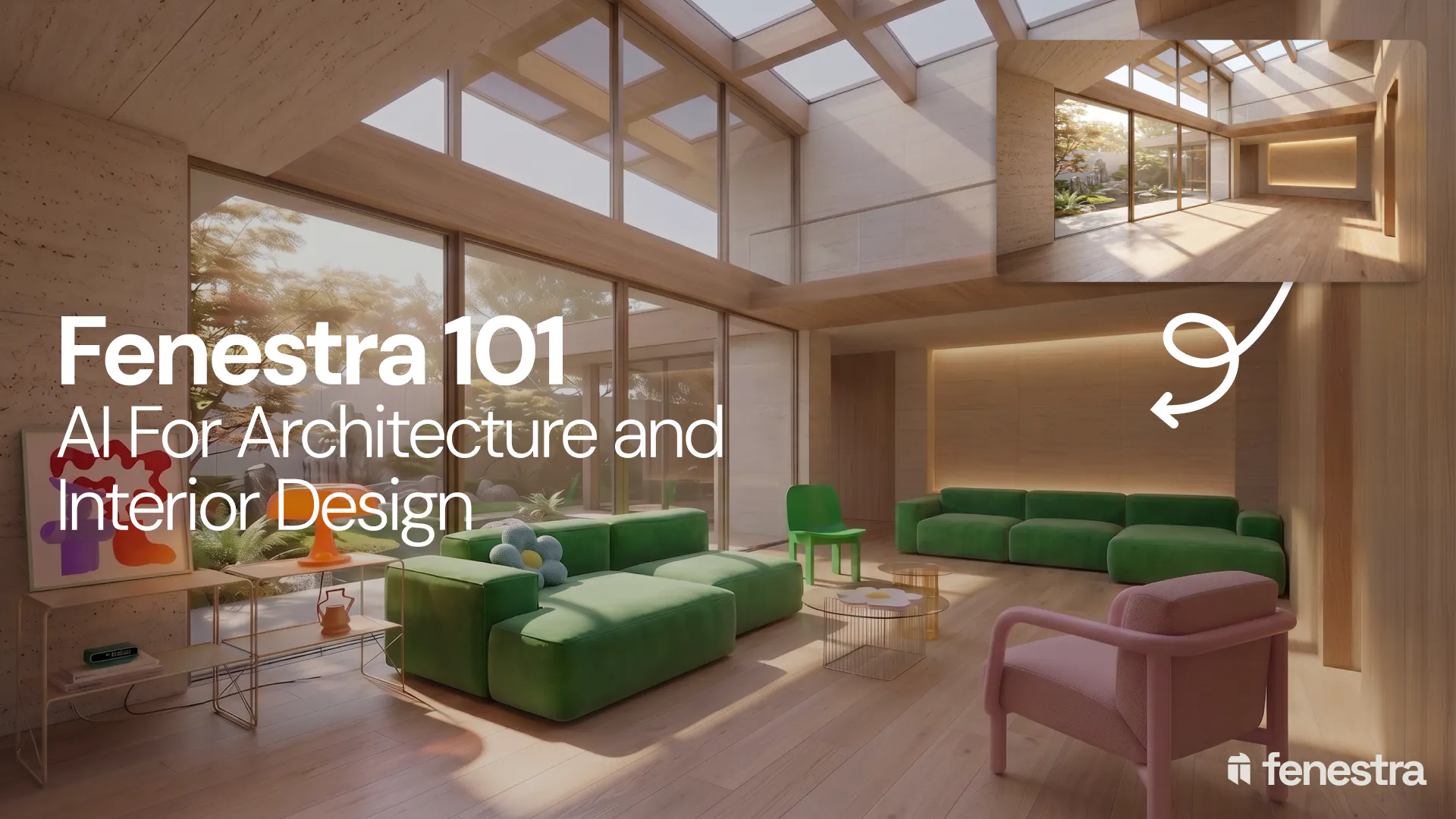
Fenestra 101: Sketch to Render, Virtual Staging and AI Editing for Architects & Interior Designers
In this introductory Fenestra webinar, we walk through the core tools architects and designers can use to turn early ideas into visual concepts. The session covers sketch to render workflows, virtual staging, adding furniture, editing images, removing elements and using AI to quickly explore design directions.
Fenestra 101: Our First Webinar
We're running our first ever live webinar on June 3rd. A hands-on intro to Fenestra for architects and interior designers, covering image generation from prompts, 2D and 3D inputs, video, and where AI actually fits in your practice. 30 seats only.
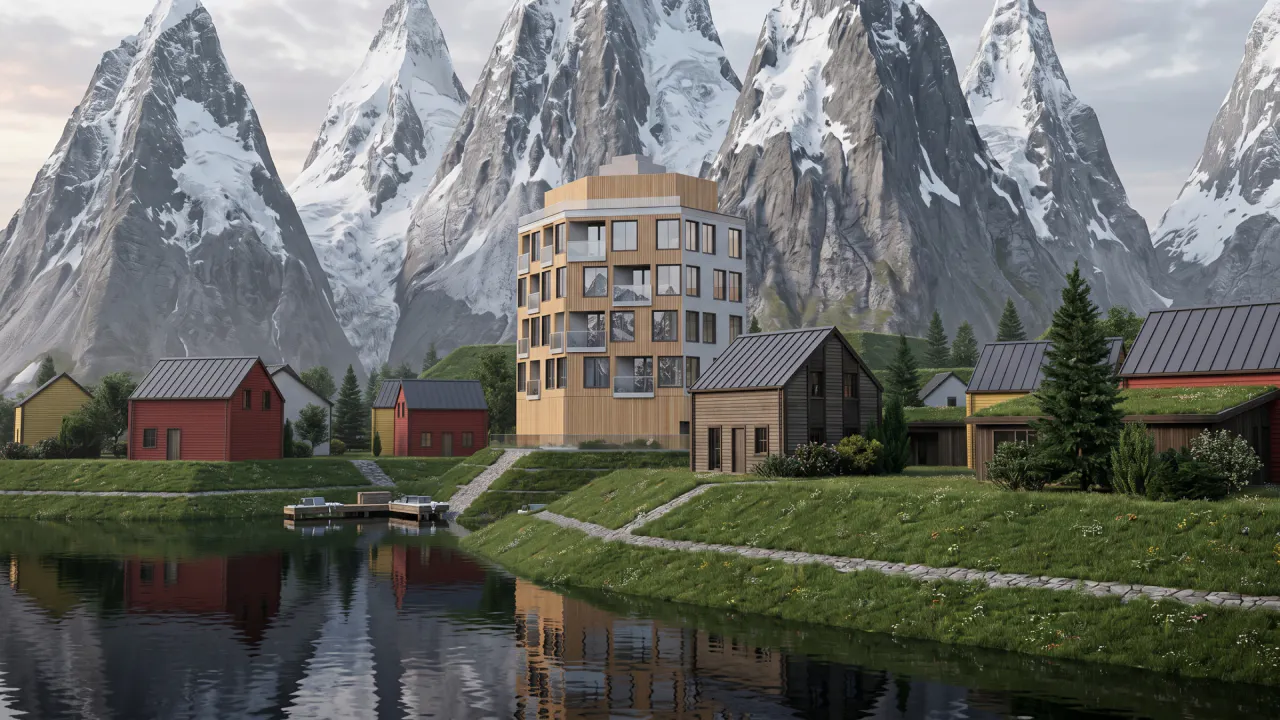
Is conversation the next 3D modelling tool? We tested AI modelling in Rhino
We tested AI 3D modelling in Rhino, driving geometry by conversation, then rendering in Fenestra. Where text-to-3D works, and where it doesn't yet.
