Nano Banana x Fenestra
Discover how Nano Banana can help architects and designers explore forms, materials, and moods faster than ever.

Shaun McCallum
September 1, 2025A lot of people think AI will be a one-click fix for design. In architecture, that’s far from reality. But what it does offer is a new way to ideate and iterate. Models like Flux Kontext Pro / Max / Dev, SDXL, Flux Dev, GPT-image-1, and Nano Banana (Gemini 2.5 Flash) let architects and interior designers explore geometry, materials, and atmospheres in ways that are faster - and often more surprising - than traditional workflows.
At Fenestra, we’ve been experimenting with Nano Banana, and we’re bringing it to the platform soon. What makes it exciting is how well it handles form and material exploration. You can start with a single image - like a three-storey modern home - and quickly test:
- Different claddings (wood, stone, concrete)
- New architectural features like spiral staircases
- Variations in lighting and atmosphere (daylight, dusk, rain)
- Interior moods and material palettes
What’s powerful here isn’t just speed—it’s the unexpected outcomes. By letting the AI fill in gaps instead of tightly constraining it, you uncover directions you might never sketch or model yourself.
What’s interesting with this model is it has enough to begin to understand what the interior of these designs may actually look like. These below are all generated by passing the exterior images and asking it to imagine specific interior spaces.
This doesn’t replace the role of the architect or interior designer. Instead, it opens up a wider design space. Nano Banana inside Fenestra gives you a fast way to reimagine, test, and communicate ideas, whether you’re iterating early massing studies or refining interiors with clients.
The takeaway: AI in architecture isn’t about shortcuts. It’s about expanding possibilities. And with Nano Banana in Fenestra, those possibilities are getting a lot more exciting. It’ll be released in Fenestra very soon and you’ll be able to try it yourself. It’s definitely worth exploring.
Create with ease
Render Now!Related Articles
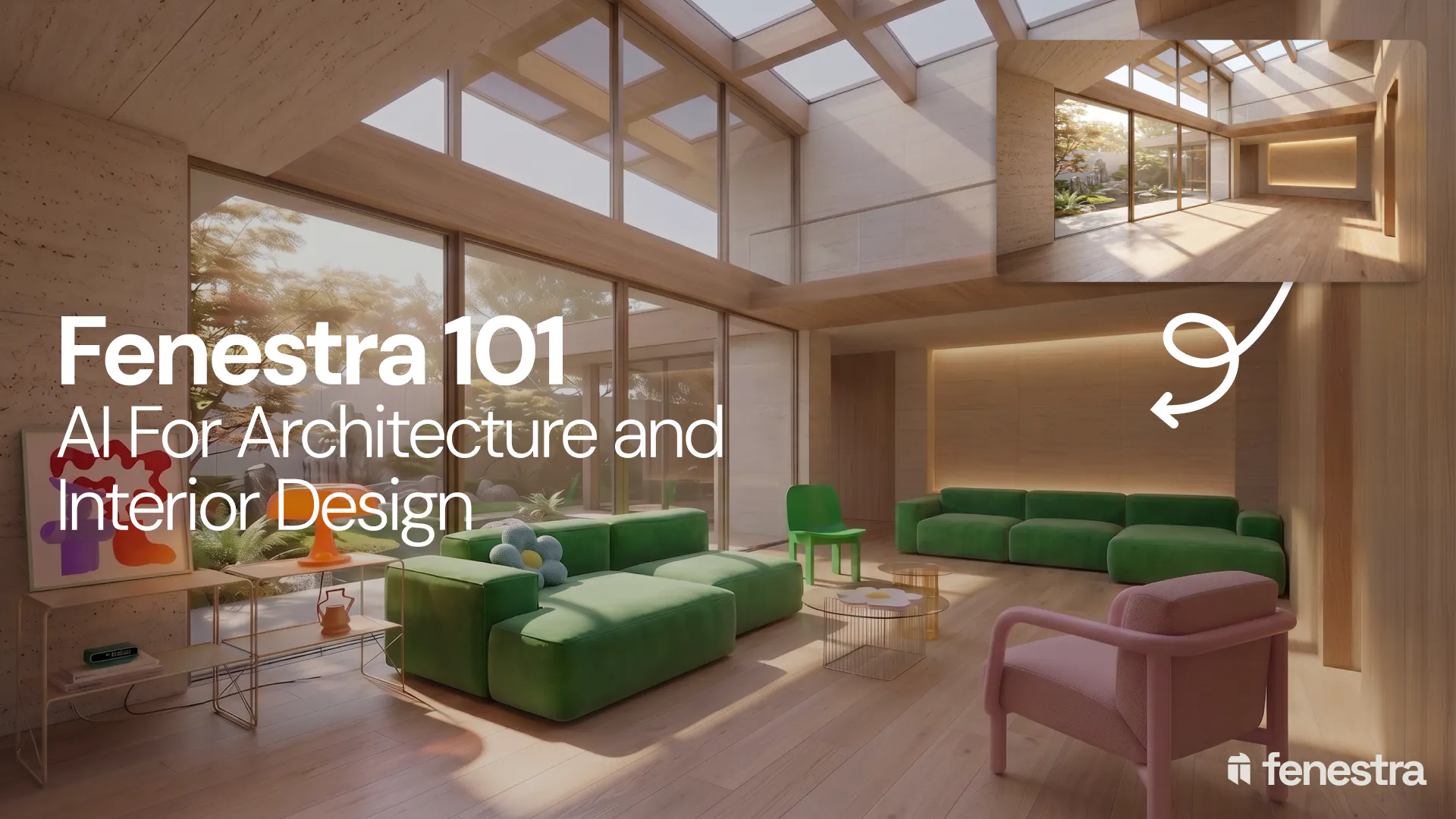
Fenestra 101: Sketch to Render, Virtual Staging and AI Editing for Architects & Interior Designers
In this introductory Fenestra webinar, we walk through the core tools architects and designers can use to turn early ideas into visual concepts. The session covers sketch to render workflows, virtual staging, adding furniture, editing images, removing elements and using AI to quickly explore design directions.
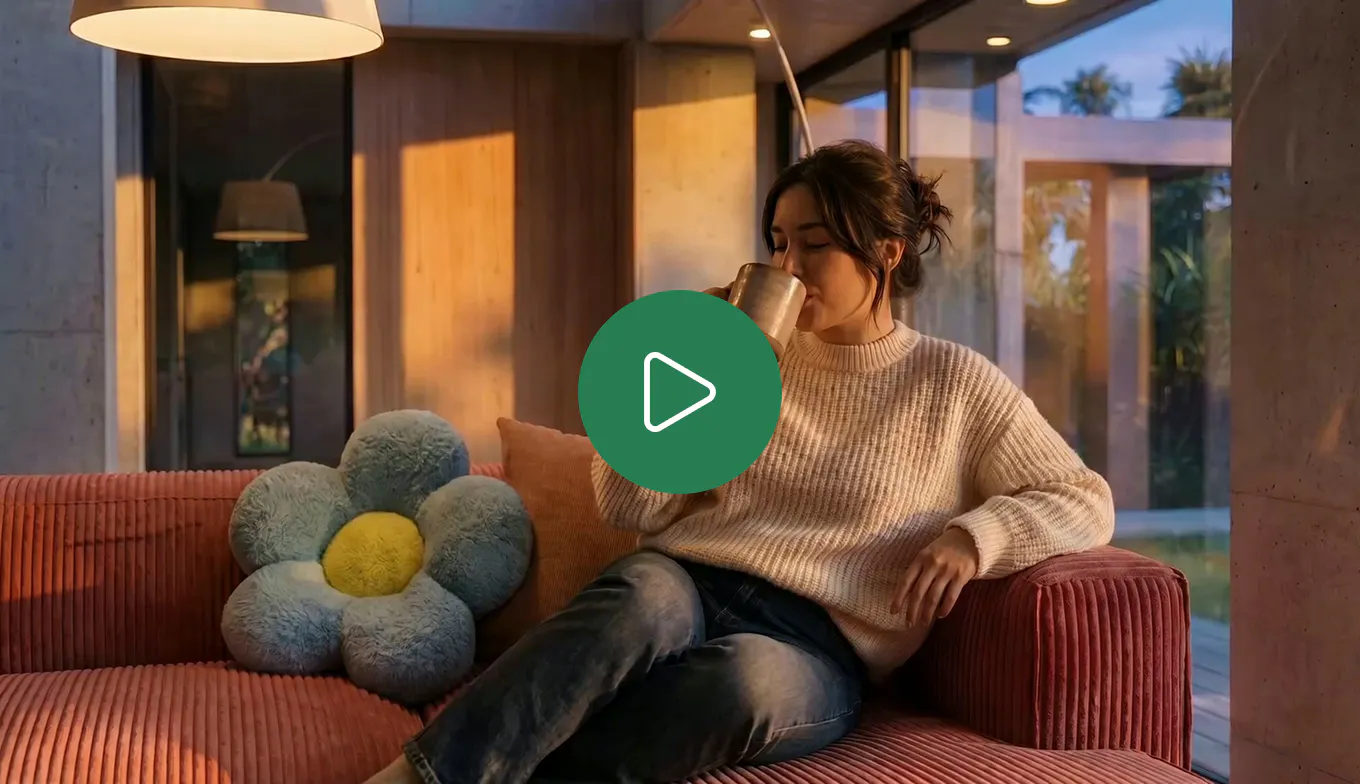
How to Create Interior and Architectural Animations with AI
Turn a single render into a cinematic interior or architectural animation. Use LTX 2.3 and Seedance 2.0 Mini in Fenestra to create walkthroughs, flythroughs and ambient project videos without a 3D model or render farm.
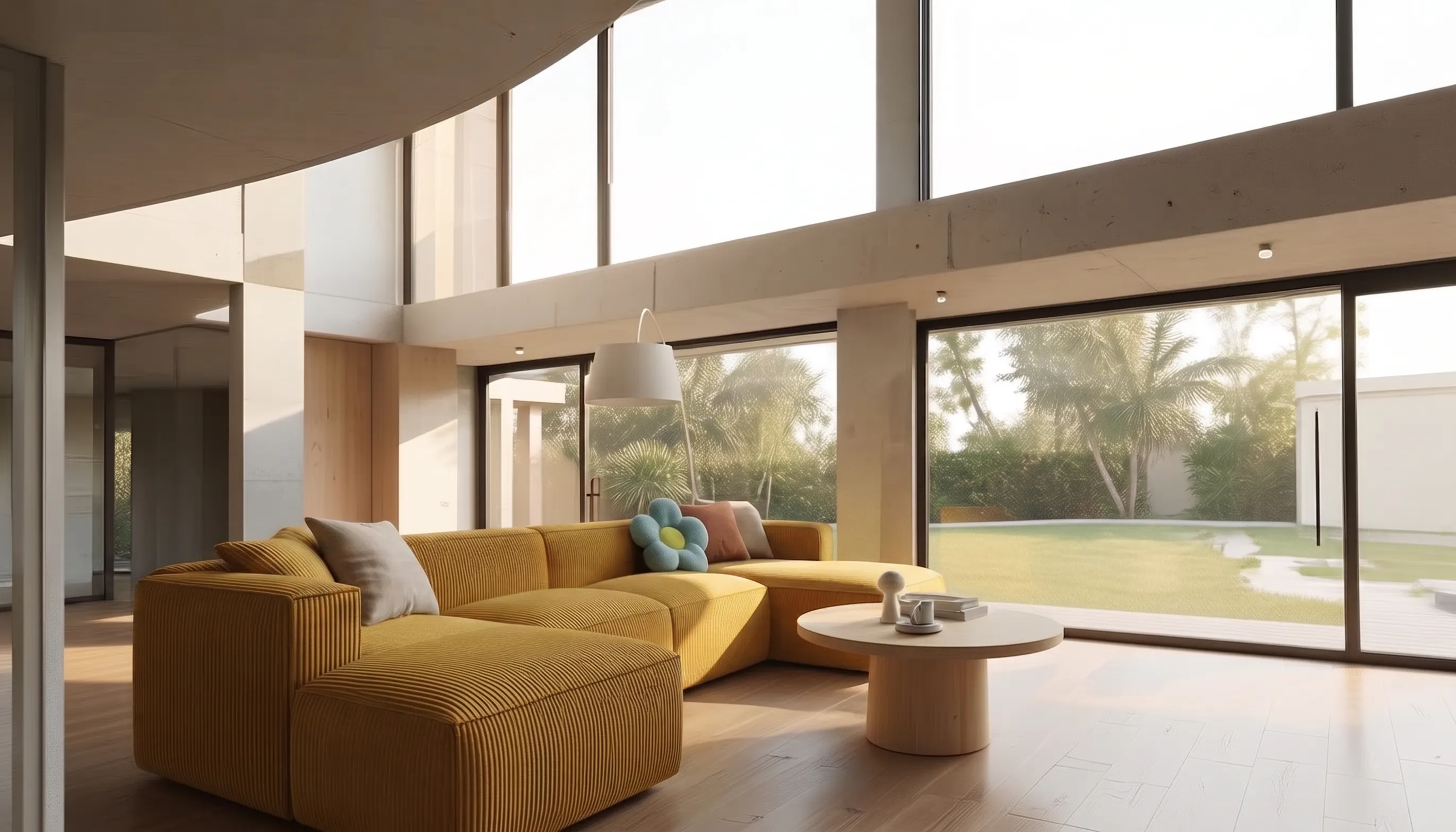
How to Make a Scrolling Website for an Architecture Project
Turn architectural renders and videos into a scrollable project website your client can explore by scrolling.
