AI Interior and Architectural Animations in 4K
Bring your ideas to life in stunning 4K with Fenestra - the easiest way to create and enhance AI-powered architectural animations.

Shaun McCallum
November 10, 20254K videos? No problem.
Last week I showed you how to create Start and End Frame videos with Seedance 1.0 Lite and Pro, perfect for smooth transitions between different views, times of day, or moods. Now you can take things further.
Inside Fenestra, you can generate multiple views of your projects using Nano Banana, Flux Kontext, or Seedream, then bring them to life with Animate Cinematic. With the new Enhance Video feature, you can instantly upscale any animation to ultra-high resolution.
How it works:
- Open your video from your Generation History.
- Click Enhance Video.
- Your clip will render at 4× the original resolution (up to 4K).
Perfect for presentations, client meetings, or promotional visuals when you need your work to look its best.
Here’s an example I created:
- Started with Text to Render using the prompt:
“Modern interior design with double-height ceilings, concrete floors, and white walls. Floor-to-ceiling windows.”
- Added a sofa with Add Anything (Nano Banana) and a reference image:
“Add this sofa alongside artwork and a coffee table that fits the vibe.”
- Animated with Animate Cinematic using the Zoom Out camera preset with Seedance 1.0 Lite, no extra prompting needed.
- Finally, I enhanced it to 4K.
The result is a clean, cinematic animation that feels production-ready, all created inside Fenestra.
So, what do you think? View my outputs here
You can read all of our blog posts here. New tutorials, guides, thoughts and updates each week.
Enhance Videos to 4K!
Start Creating!Related Articles
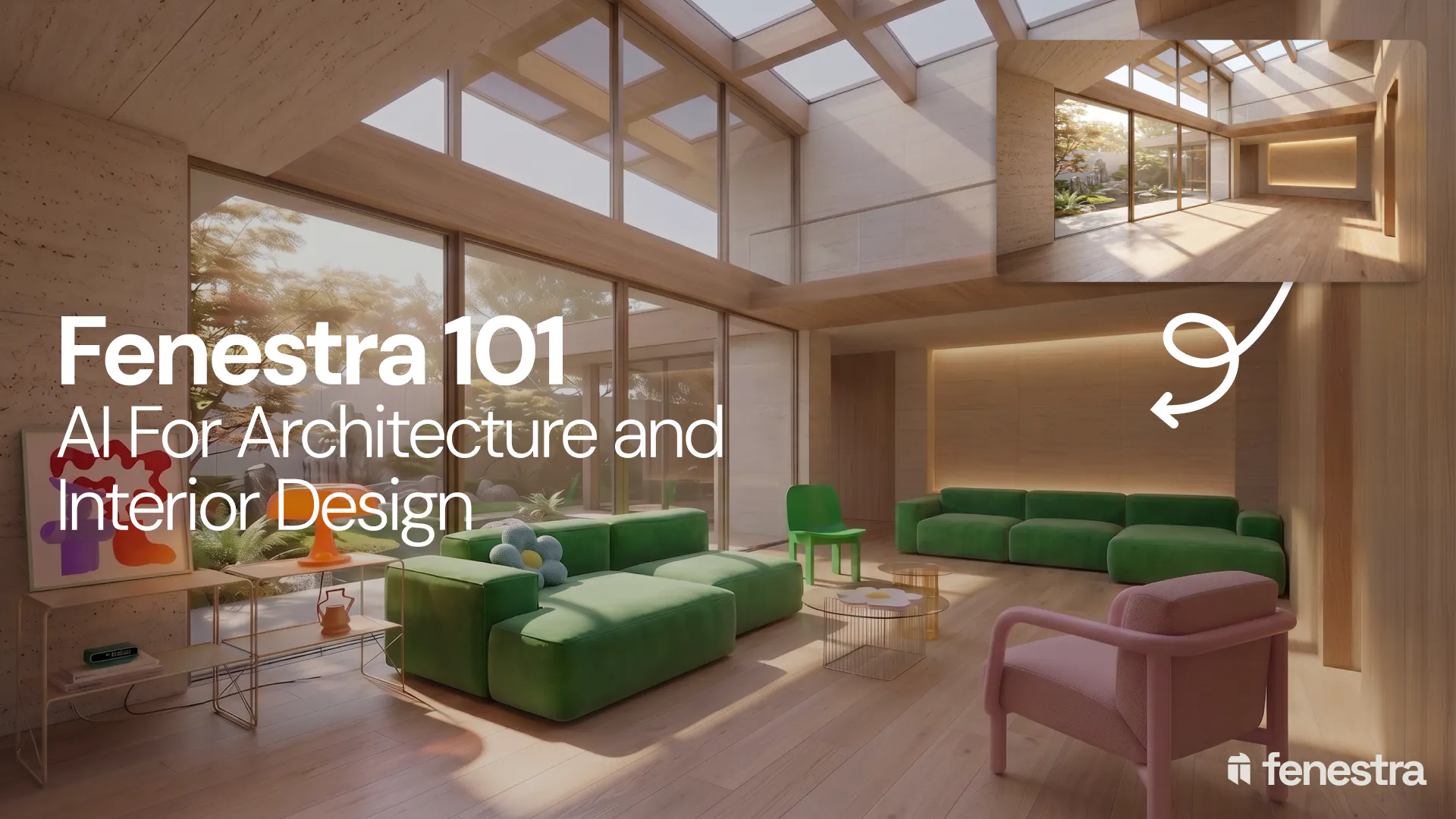
Fenestra 101: Sketch to Render, Virtual Staging and AI Editing for Architects & Interior Designers
In this introductory Fenestra webinar, we walk through the core tools architects and designers can use to turn early ideas into visual concepts. The session covers sketch to render workflows, virtual staging, adding furniture, editing images, removing elements and using AI to quickly explore design directions.

Fenestra 101: Our First Webinar
We're running our first ever live webinar on June 3rd. A hands-on intro to Fenestra for architects and interior designers, covering image generation from prompts, 2D and 3D inputs, video, and where AI actually fits in your practice. 30 seats only.
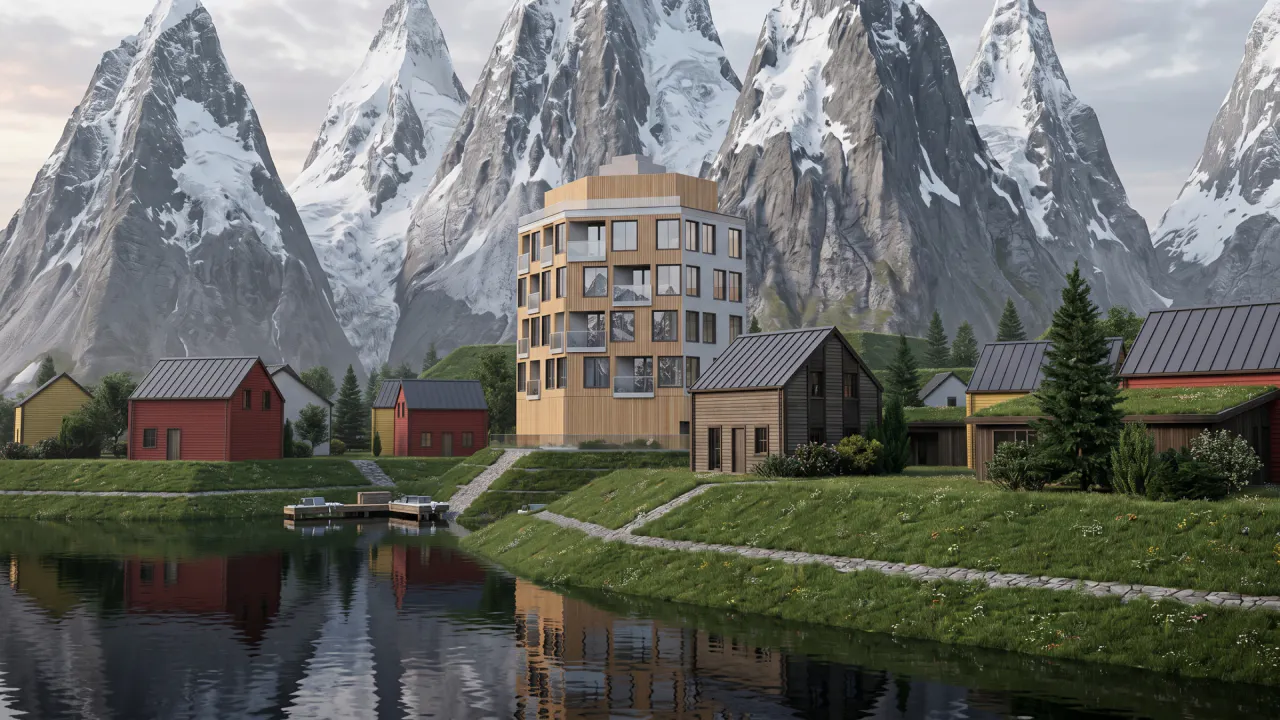
Is conversation the next 3D modelling tool? We tested AI modelling in Rhino
We tested AI 3D modelling in Rhino, driving geometry by conversation, then rendering in Fenestra. Where text-to-3D works, and where it doesn't yet.
